
STARDIG Operations Support
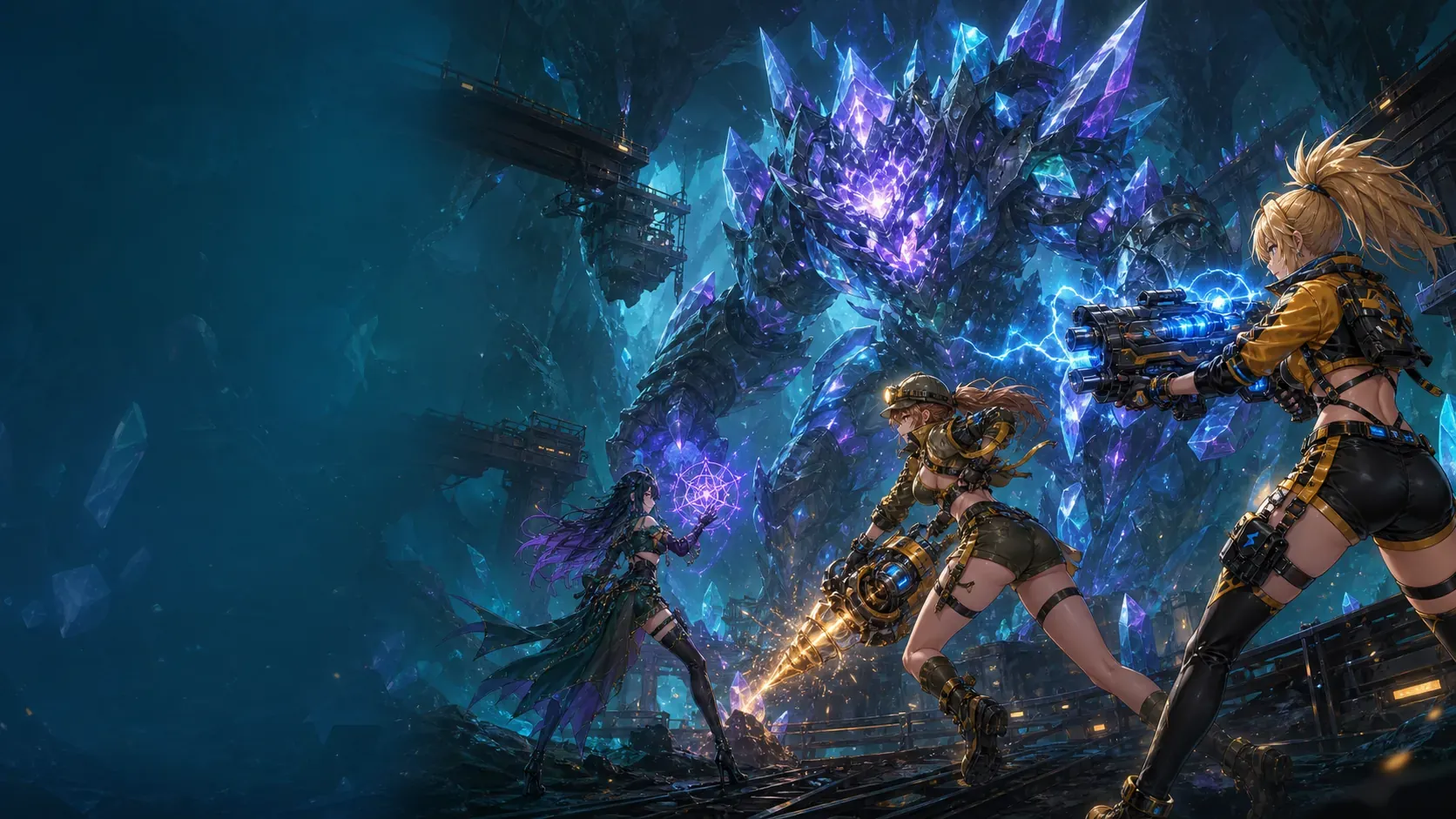
Official support for STARDIG, a sci-fi action RPG about digging into the stars. Find quick fixes for launch, data download, account and reward issues, or send us the details.
Last updated: 2026-10-12
Start with the most common fixes
Most launch, download, account, and reward issues can be resolved with these four checks.
The game will not launch
Check your connection and available device storage, fully close the app, and open it again.
The data download stopped
Reopen the app on a stable Wi-Fi connection. Data that has already downloaded is kept, and only the remaining items are checked.
My progress is missing
In Account & Cloud, check that you are using the Apple or Google account you linked before. If a save conflict screen appears, choose carefully which record to keep.
My ad reward is missing
Make sure you are online, wait a moment and check your reward history again.
Still need help?
Include the type of request, the steps to reproduce it, your STARDIG app version, your device model and OS version (iOS or Android), and a screenshot of the problem. For account issues, include only the Player ID shown in the app.
Never send your Apple or Google account password or your device passcode.
[email protected]Current service information
- Availability
- South Korea
- App price
- Free
- In-app purchases
- Remove Ads (iOS, optional)
- Game currency
- Earned through play
- Paid random rewards
- None
- Advertising
- Rewarded (opt-in), interstitial
Interstitial ads appear only before or after result screens, such as a stage clear, and are limited in frequency and number per day. There are no banner ads.
View payment and refund details
STARDIG 1.0 is distributed only in South Korea as a free app. On iOS, the only product it may sell is a one-time Remove Ads purchase that permanently stops interstitial ads; the price is shown on the App Store product screen. Buying requires linking an Apple account; if you change devices, use Restore Purchases with the same Apple account. The Android app sells no paid products. In-game currency is earned only through play, such as winning battles, and cannot be bought; there are no paid randomized products. Rewarded ads play only when you explicitly choose to watch one for a reward. Refunds follow Apple’s process at reportaproblem.apple.com; mandatory withdrawal rights under consumer-protection law are not limited.
Download and account notes
View the full troubleshooting checklist
- On first launch, the app shows how much data it will download. After you confirm, STARDIG downloads cryptographically signed, non-executable game data from Cloudflare CDN/R2. More data may be downloaded later for new crew members or stages. Wi-Fi is recommended. Once successfully cached, the data is downloaded again only when files are missing or updated.
- If the app freezes or feels slow, check your network, fully close the app, and open it again.
- If cloud progress is missing, check in Account & Cloud that you are using the Apple or Google account you linked before. If a save conflict appears, choose carefully which record to keep.
- If you explicitly choose a rewarded ad and the reward does not appear immediately, reconnect to the network, wait briefly, and check your rewards again.
- If you bought Remove Ads on iOS but still see interstitial ads, make sure you linked the same Apple account you bought it with, then tap Restore Purchases on the Shop screen. Payments and refunds are handled by the Apple App Store.
- If an issue continues, send a screenshot and the exact steps that reproduce it.
Account and saves
Guest progress is saved on the device. Linking an Apple or Google account is optional and gives you a STARDIG account with cloud save. You can start account deletion from Account & Cloud in the app.
View the detailed privacy summary
Without a linked Apple or Google account, guest progress is stored only on the device. Linking is optional; after linking, STARDIG uses a Cloudflare-backed account and cloud save. The app includes RevenueCat components, which may create an anonymous identifier whether or not you make a purchase; these are used to confirm Remove Ads purchases and restore them across devices. You can start account deletion from the Account & Cloud screen in the app. See the Privacy Policy for the full list of information and how to exercise your rights.
Service rules
See the Terms of Service for prohibited conduct, service operation, advertising, accounts, and data. Notices for the open-source software and fonts included in the game are also available.
View the Terms of ServiceView Third-Party NoticesView Item Drop Rates